Customers, jobs and quotes
Keep customer and job details together. Prepare quotes, record accepted work and create an invoice draft when you are ready.
Create quotes and invoices, manage jobs, bills and payments, and keep your business organised. Use Tockly on its own or connect Xero, MYOB or QuickBooks Online.
Explore how a quote, completed work and an invoice stay connected. The sample below uses fictional details.
Record the customer’s acceptance, then turn the agreed work into an invoice draft.
Keep the everyday work of your business together, with a clear record from customer enquiry to completed work.
Keep customer and job details together. Prepare quotes, record accepted work and create an invoice draft when you are ready.
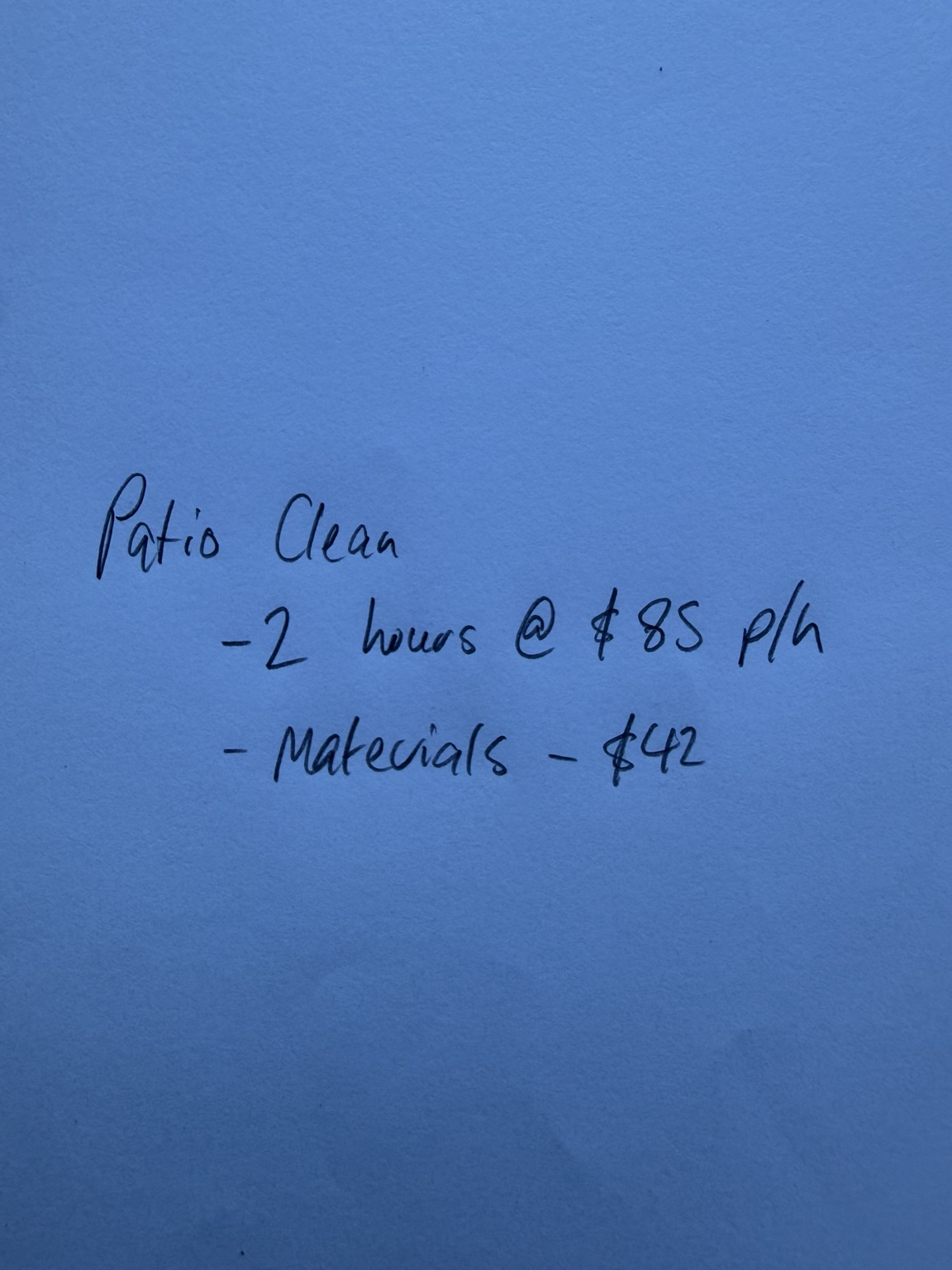
Photograph your work notes or speak the job details. Turn them into an editable invoice draft.
See notes become an invoiceRecord part payments and credits, prepare customer statements and offer online payment with a connected Stripe account.
Keep supplier bills, purchase orders and recorded costs together. Track what you owe as well as what customers owe you.
Review sales, costs and cashflow from your records. Manage the business details, invoice currencies and tax settings you need.
Schedule follow-up when an invoice needs attention. Keep payment promises, customer queries and the next action with the invoice.
See how follow-up worksSome features and allowances depend on your plan. Compare all plans and allowances
Bring customers and unpaid invoices into Tockly, upload confirmed and sent Tockly invoices, and refresh payment status.
Keep your accounting software for your wider accounts and tax reporting. See each connection’s details for account requirements and available sync options.
Ask about your accounting connectionCustomers can use the response links in your reminder to report payment, promise payment or raise a query. Their response stays with the invoice.
See plans and allowancesI’ll pay within 48 hours.
The customer’s promise stays with the invoice. Routine reminders pause so you can decide the next step.
Choose your currency, tax settings and invoice details. Create a draft before contacting a customer.
Add customers, prepare a quote or create your first invoice. Connect supported accounting software if you use it.
Review your invoice, amounts and recipients before sending. Use the help centre or contact Tockly with setup questions.
5 new invoices and 5 email reminder sends per month.
Growth$19.00 USDper monthUnlimited new invoices and email reminders.
Business$39.00 USDper monthGrowth features, team access and advanced reporting.
Start free, or try a paid plan for 30 days without a card. NZ subscription prices include GST; your final price and currency are confirmed before subscribing.
Compare all plans and allowancesStart free with a customer, a quote or an invoice. Try a paid plan for 30 days when you need more.